Quick start
A login, a project and an archive are all you need. Pick the path that suits you; all three end at the same live site.
Before you begin#
You need three things from whoever runs the platform:
- the address of the console (for example
https://hosting.example.com, orhttp://10.10.10.10:8900on the host network); - an account — an email and a password (admins create accounts; there is no sign-up page);
- the base domain your projects should live under (your sites become
<slug>.<alias>.<base_domain>).
And something to deploy. The smallest possible site is one file:
<!doctype html>
<meta charset="utf-8">
<title>Hello from DinD Hosting</title>
<h1>It works.</h1>
No platform.yaml needed
The runtime is detected from your files: package.json → node, requirements.txt / pyproject.toml → python, composer.json or public/index.php → php, index.html → static.
Choose your path#
- Sign in.
Open the console address and enter your email and password. The top bar shows projects and tokens (admins also see users, metrics and platform). The language selector in the top bar — and on the login page — switches the console between English and Ukrainian; your choice is remembered, and until you make one the browser's language is used.
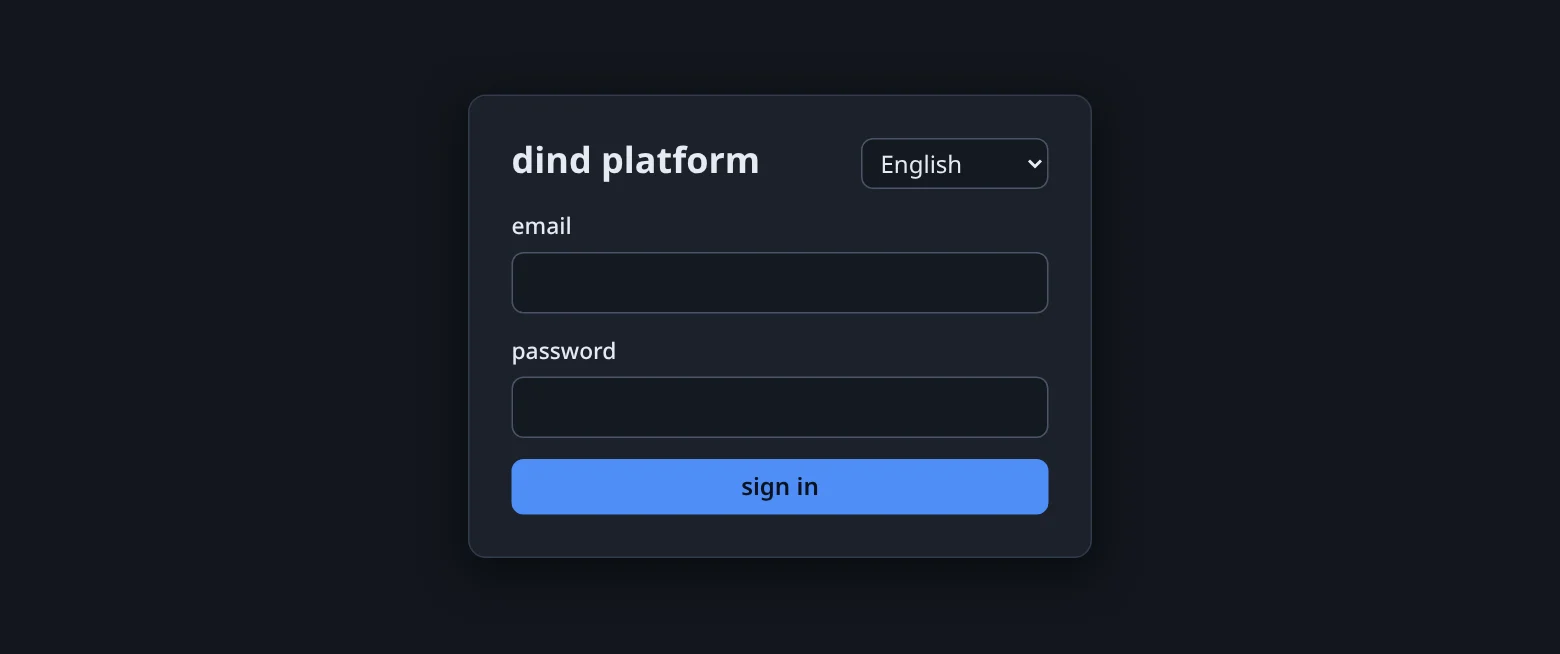
The sign-in page. The language selector sits at the top right — here and in the top bar of every other page. - Create a project.
On Projects click + new project. Give it a slug (
hello), a display name and the base domain — the hint under the field says it: sites becomeslug.alias.domain. - Pack your source.
Zip or tar the folder (not the folder's parent):
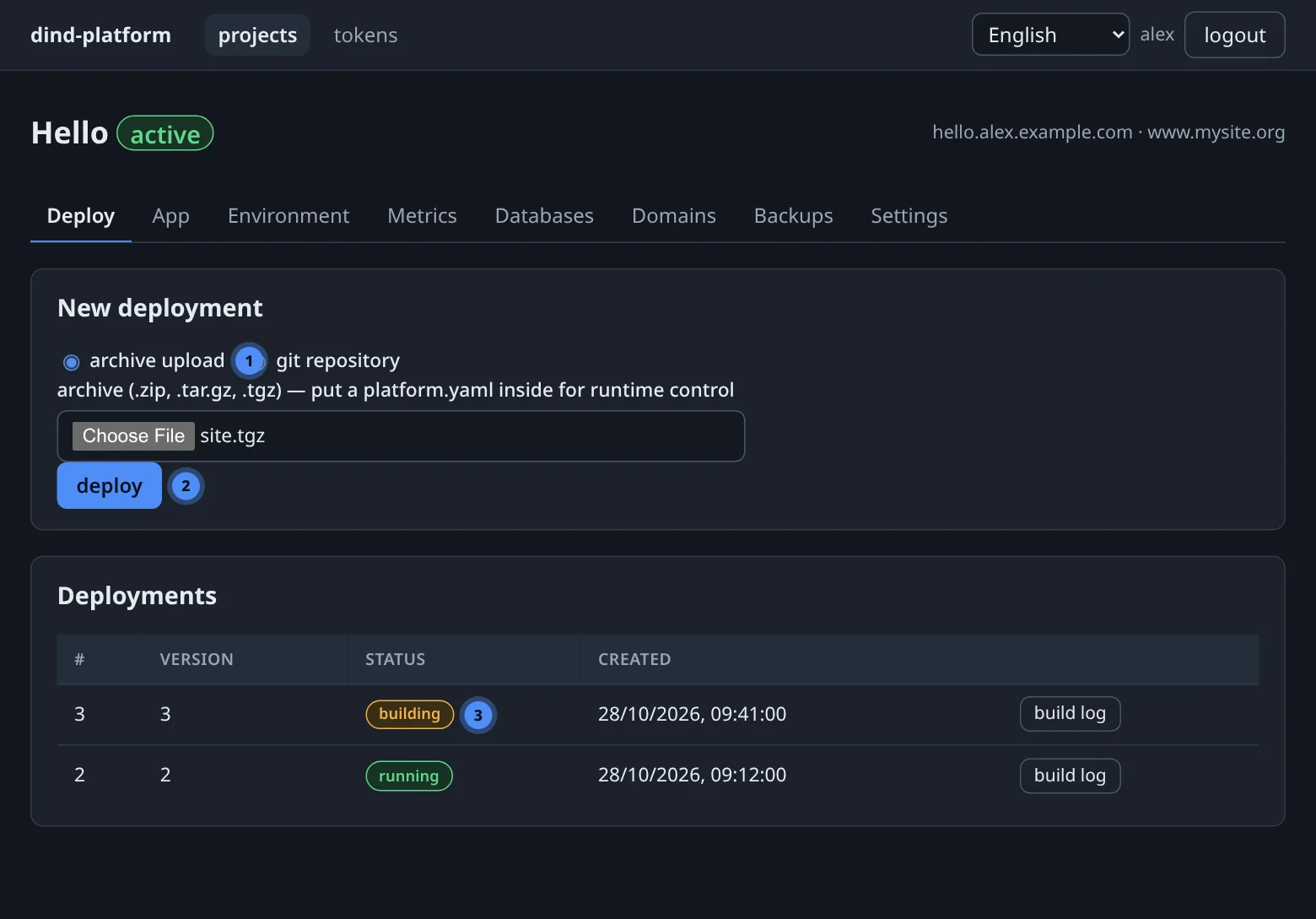
tar czf site.tgz index.htmlorzip -r site.zip . - Deploy. Open the project, stay on the Deploy tab, choose archive upload, pick the file and press deploy. The new deployment appears in the list — open its build log to follow the pipeline live.
- Open the site. When the deployment turns running the app is up. Check Domains: the pre-check should be passed, then the certificate issued.
BASE=https://hosting.example.com        # your console address

# 1 · log in — the response contains a JWT valid for 8 hours
TOKEN=$(curl -fsS -X POST "$BASE/api/v1/auth/login" \
  -H 'Content-Type: application/json' \
  -d '{"email":"you@example.com","password":"…"}' | python3 -c 'import json,sys;print(json.load(sys.stdin)["token"])')

# 2 · create the project (returns its numeric id)
PID=$(curl -fsS -X POST "$BASE/api/v1/projects" \
  -H "Authorization: Bearer $TOKEN" -H 'Content-Type: application/json' \
  -d '{"slug":"hello","display_name":"Hello","base_domain":"example.com"}' \
  | python3 -c 'import json,sys;print(json.load(sys.stdin)["id"])')

# 3 · upload the archive (multipart field name: file)
UPLOAD=$(curl -fsS -X POST "$BASE/api/v1/projects/$PID/uploads" \
  -H "Authorization: Bearer $TOKEN" -F file=@site.tgz \
  | python3 -c 'import json,sys;print(json.load(sys.stdin)["upload_id"])')

# 4 · start the deployment (202 Accepted) and follow its log
curl -fsS -X POST "$BASE/api/v1/projects/$PID/deployments" \
  -H "Authorization: Bearer $TOKEN" -H 'Content-Type: application/json' \
  -d "{\"source\":{\"type\":\"archive\",\"upload_id\":\"$UPLOAD\"}}"
Deployments run in the background. Poll GET /api/v1/projects/$PID/deployments until the newest one is running, or stream the log from GET /api/v1/deployments/{id}/logs?stream=1.
Create a token on the tokens page, then connect your agent once:
claude mcp add --transport http dind-platform https://hosting.example.com/mcp/ \
  --header "Authorization: Bearer dt_…"
Now describe the outcome and let the agent call the tools:
The tools involved are create_project, upload_archive (or create_upload_url for big archives), deploy_app, list_deployments and get_logs. See API tokens, REST & MCP.
What just happened#
When you pressed deploy the platform (1) unpacked your archive, (2) read platform.yaml or detected the runtime, (3) rendered a Dockerfile for that runtime, (4) built the image inside your daemon, (5) started the container on a free port, (6) wrote a Traefik route for hello.<alias>.<base_domain> and (7) checked DNS and routing before requesting a certificate.
Next steps#
Choose a runtime version
Pin node 22, python 3.13 or php 8.4 with one line.
Add configuration
Variables and write-only secrets, applied by a recreate.
08Add a database
PostgreSQL or MySQL with credentials injected into your app.
11Use your own domain
Point an A record, pass the pre-check, get a certificate.